

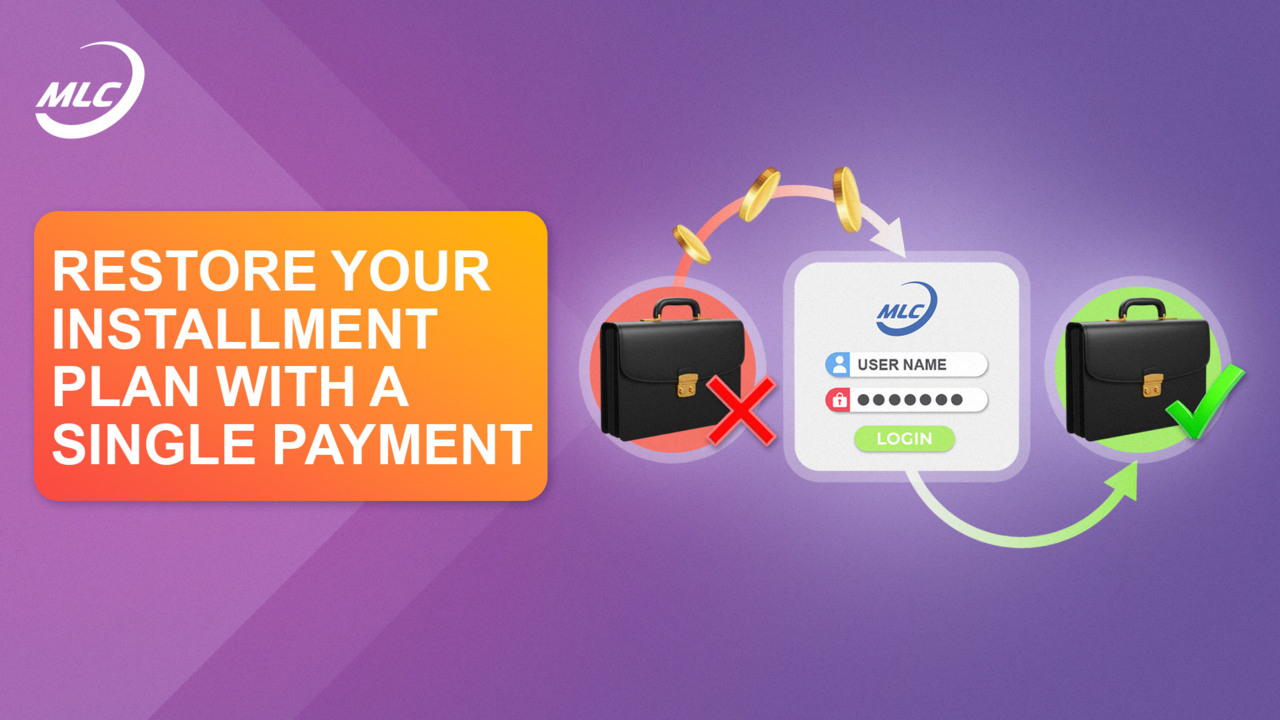
We are launching an offer to restore installment plans for production investment shares by covering from just one overdue payment.
The offer is valid until December 31 2025, 00:00 ( (UTC+4).
How do I restore my installment plan?
1. Log in to your personal office account → Investments section → My Installments tab.
2. Click Restore next to the cancelled installment plan.
3. In the window that opens, select the number of overdue payments to cover, at least one.
The system will automatically display the amount that will be debited from your investment account.
Important!
If you do not cover all overdue payments, the terms of your investment package will be revised:
- the discount amount will change;
- the total number of shares in the package will change.
All updated terms and conditions will be displayed in the recovery window. Be sure to read them, as well as the detailed rules, by clicking Offer Conditions.
4 Confirm the action by clicking Restore.
After this:
- the selected amount will be automatically debited from your investment account;
- the payment schedule will be recalculated;
- the next payment will be due 30 days from the recovery date.
Use the option to restore your installment plan yourself on our flexible conditions and choose a convenient number of payments.
Take action now, as the offer is valid for a limited time only!